Stop rewriting the same client emails from scratch.
45 structured AI prompts that follow a freelance project from your first pitch to your final invoice. Fill in your details, paste into your AI assistant, review, send.
- Covers pitching, discovery, proposals, scope, delivery, difficult conversations and getting paid
- Written to use only facts you provide, and to flag what's missing instead of guessing
- PDF guide plus plain-text copy-paste file, delivered instantly
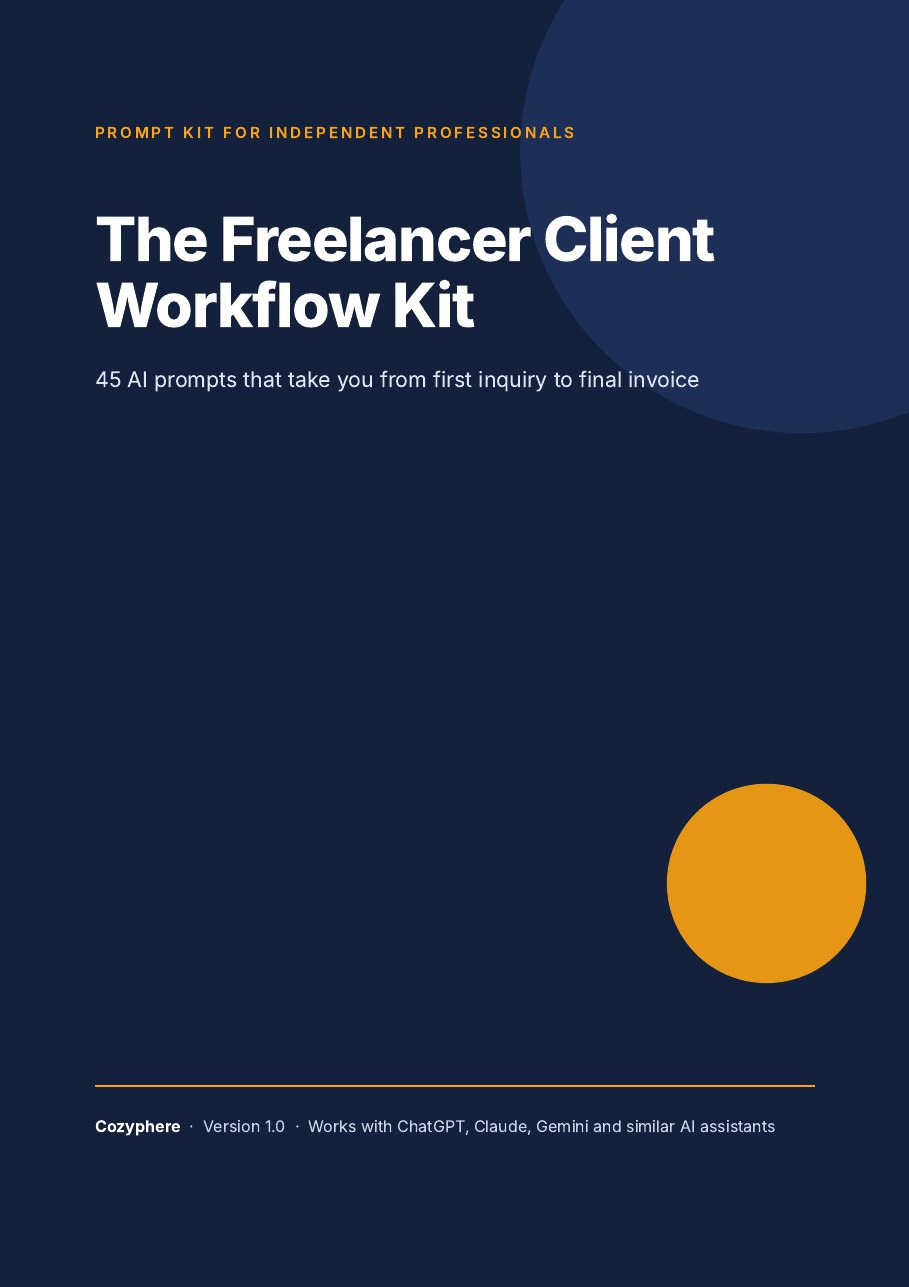
The problem isn't AI. It's the blank chat box.
Generic requests give generic results. Freelance communication needs your real facts, your tone and clear boundaries. Each prompt in this kit gives the AI a role, a task, your context, rules for what not to do, and an output format, so the first draft is close to something you can send.
It's a set of drafting tools, not magic. You provide the details, you review the output, and you decide what goes to your client.
What's inside
45 prompts in 8 parts, in the order a project actually unfolds.
Set Up Once
Build the foundation that makes every later prompt sound like you.
5 promptsFind and Pitch Clients
Outreach and proposals that are specific, short and honest.
6 promptsDiscovery and Qualifying
Find out whether it's a fit before you spend hours on a proposal.
5 promptsScope, Pricing and Proposals
Write proposals that make the work and the boundaries clear.
7 promptsOnboarding and Delivery
Start clean, keep clients informed, and handle feedback without friction.
6 promptsDifficult Situations
Calm, professional language for the messages you dread writing.
5 promptsGetting Paid
Invoices and reminders that are clear, firm and still friendly.
5 promptsAfter the Project
Turn finished work into testimonials, retainers and referrals.
6 prompts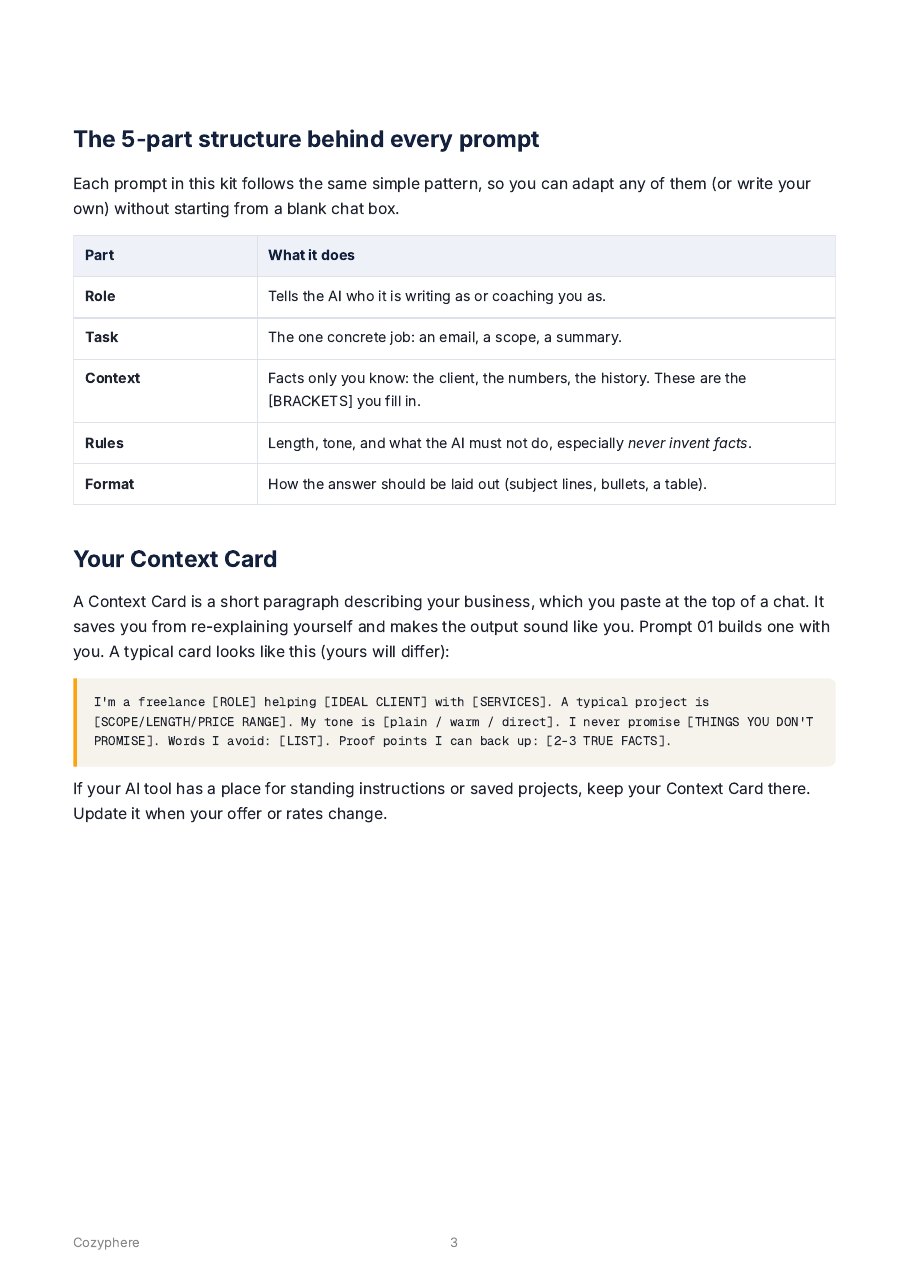
What a prompt looks like
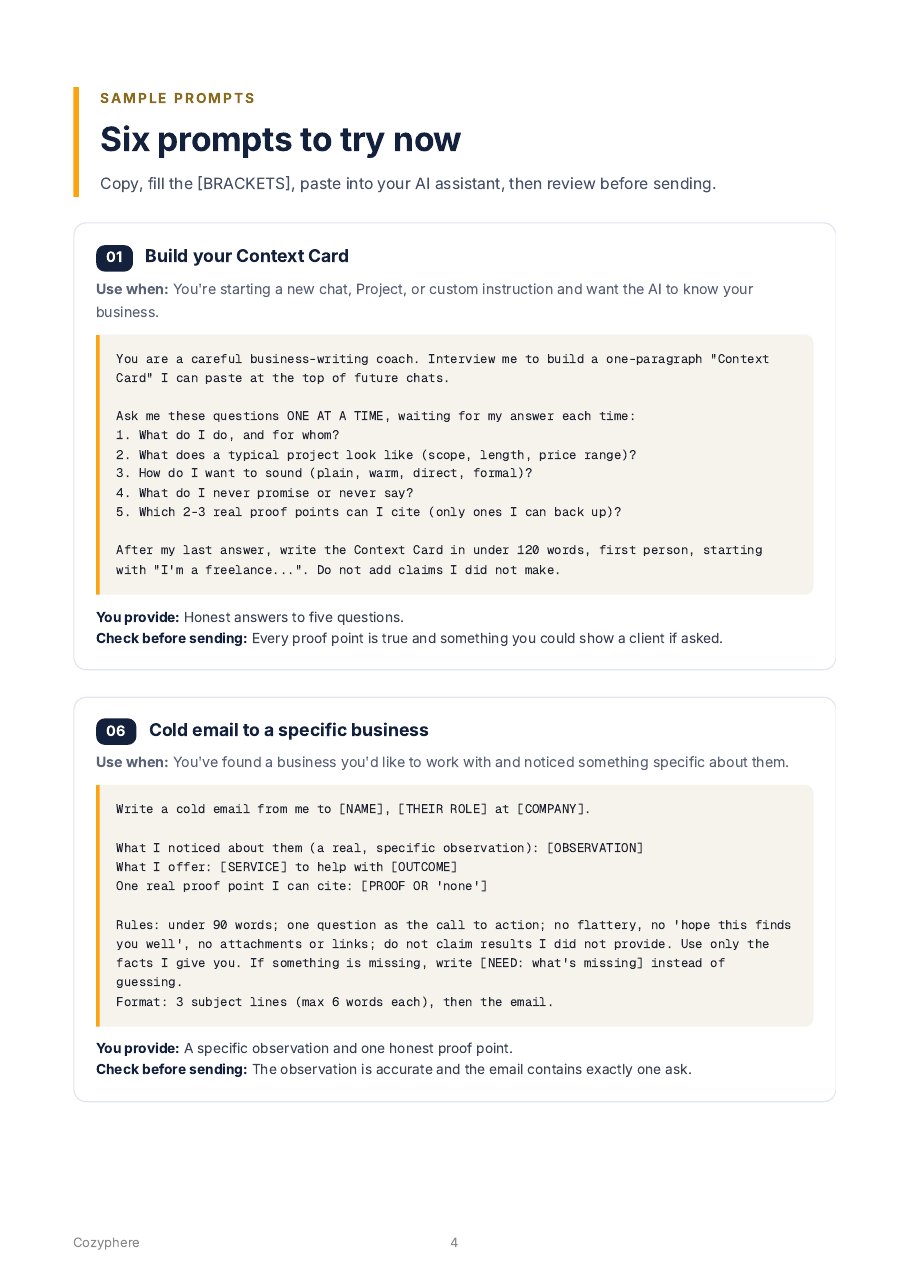
This is prompt 30 from the kit, shown in full. Every prompt follows the same layout.
- Use when: the situation it's for
- The prompt: with [BRACKETS] for your facts
- You provide: what to gather first
- Check before sending: what to verify
Reply to scope creep
Use when: The project keeps growing and each request seems small.
Help me address scope creep with [CLIENT NAME].

What we agreed: [SCOPE]
Extra things requested so far: [LIST]
How much extra time this has taken (my estimate): [HOURS]

Write a message that: acknowledges their enthusiasm; lists the additions factually; says what's included versus what would be extra; offers two ways forward (stay within scope, or add a paid extension at [PRICE/ESTIMATE]); asks which they prefer by [DATE]. Under 150 words. Calm and collaborative, no blame.
You provide: The original scope and the list of additions.
Check before sending: The tone is a team deciding together, not you scolding.
Good fit if you…
- Freelance or consult and write your own client emails, proposals and invoices
- Already use ChatGPT, Claude or Gemini and want better first drafts
- Are happy to edit AI drafts before sending
Probably not for you if you…
- Want AI to send messages automatically without review
- Expect a guaranteed result such as more clients or higher income
- Need legal, tax or contract advice (use a professional)
Try it free first
Get a free sample PDF: the 5-part method, the Context Card, and 6 complete prompts from the kit.
Free. You'll enter your email at a secure checkout page (no payment), and the PDF is sent to you. See our Privacy Policy.
The Freelancer Client Workflow Kit
- 45 structured prompts across 8 project stages
- Getting-started guide, Context Card builder and before-you-send checklist
- PDF (about 30 pages) plus plain-text copy-paste file
- Instant download. Free updates to this version
- 14-day refund if it's not useful to you
Questions
What exactly do I get?
A 45-prompt PDF guide (about 30 pages) organised by stage of a freelance project, plus a plain-text file with every prompt for easy copy-and-paste. Each prompt comes with a use-when line, a list of what to provide and a check before you send. Both files are delivered instantly after purchase.
Which AI tools does it work with?
The prompts are plain text, so you can use them in ChatGPT, Claude, Gemini or any similar AI assistant. The kit is not tied to any one product, and results will vary by tool and by what you put in.
Do I need to know how to write prompts?
No. Each prompt has [BRACKETS] to fill in with your own details. The guide at the start explains the simple 5-part structure so you can adapt the prompts or write your own.
Will the AI invent things about my clients or results?
Any AI can make mistakes, so you should always review the output. The prompts are written to reduce the risk: they tell the AI to use only the facts you provide and to mark missing information with [NEED: ...] instead of guessing. You remain responsible for what you send.
Is this legal, tax or financial advice?
No. Prompts that touch contracts, pricing, invoicing or payment terms are drafting aids only. Please have a qualified professional review important documents.
Can I use the prompts for my clients' projects?
Yes. You can use them in your own business and on your clients' projects. You may not resell or redistribute the kit. See the Terms of Service.
How is payment handled?
Checkout is handled by our payment provider, Creem, which acts as the merchant of record. Depending on where you live, tax may be added at checkout. You'll receive a receipt and a secure download link by email.
What is your refund policy?
If the kit isn't useful to you, email us within 14 days of purchase and we'll refund you. See the Refund Policy for details.
How do I get help?
Email [email protected]. We aim to reply within 2 business days.